Update your search location
Roomie shows you roommates and places around one saved location, not wherever you happen to be. If you are moving to a new city, or you set it up before you knew where you were heading, this is the setting to change.
Show steps for
Open the Roomie app and go to Listings.
The house icon at the left of the bar along the bottom.
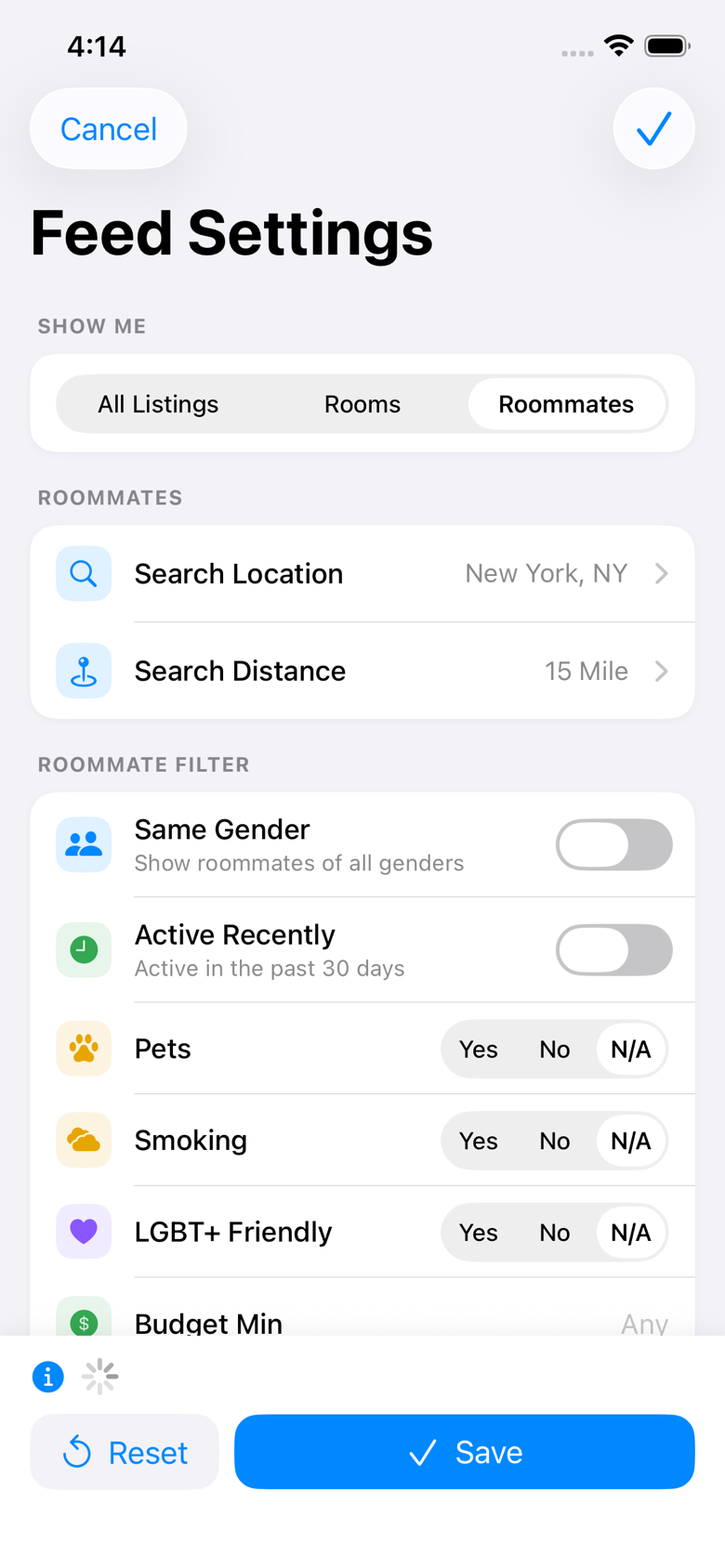
Tap the sliders icon in the top left.
It opens your feed settings. If your feed is empty you will see an Update Filters button in the middle of the screen instead, which opens the same place.
Tap Search Location.
The row shows the city you are searching now, with Search Distance underneath it.
Type your city and state, then tap the search button.
Tap the magnifying glass to confirm the place. A green Verified check appears once Roomie has found it.
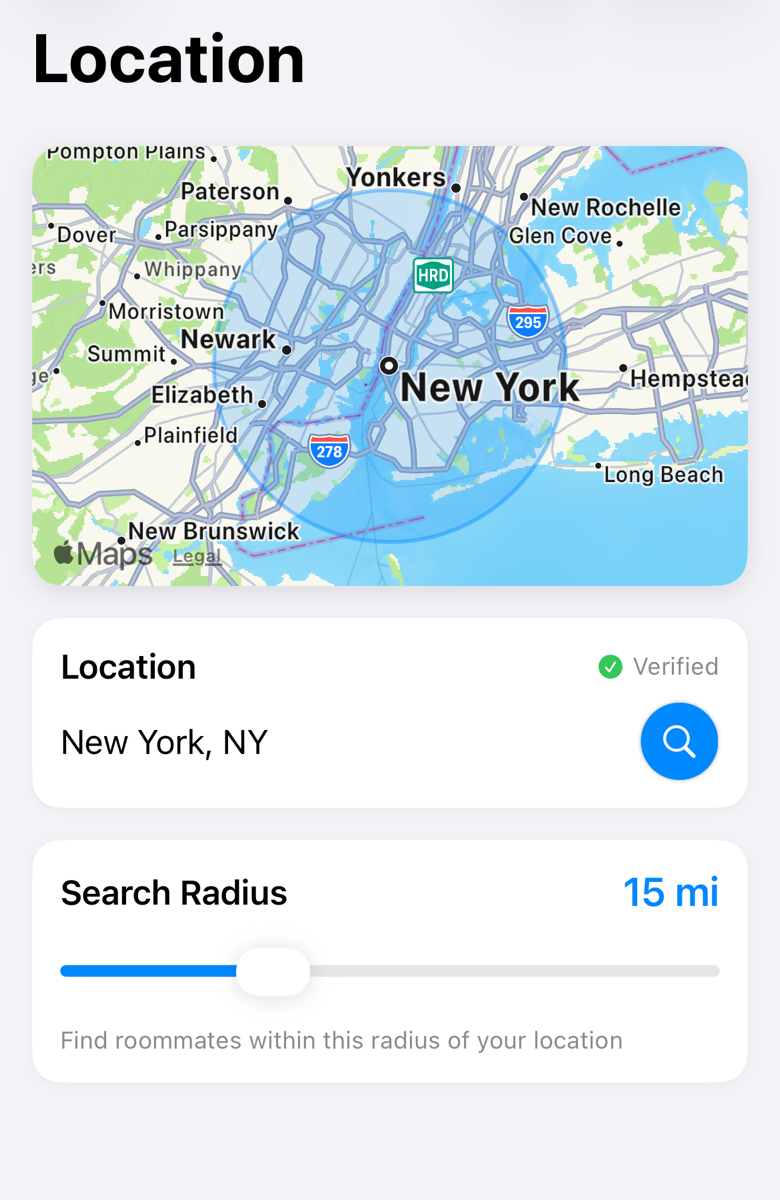
Drag Search Radius to how far you are willing to look.
A small radius in a quiet area is the most common reason a feed looks empty. If you are not seeing many people, widen this before anything else.
Tap Save, then close the settings screen with the X.
Save is in the top right. Your feed reloads around the new location once you close the settings screen.
If Save is greyed out, the location field is empty. If you tapped Save but nothing changed, go back in and check for the green Verified check. Without it, Roomie never found the place you typed.
Moving soon? Set your search location to where you are moving to, not where you live now. Roomie shows you to people in that area too, so they can find you before you arrive.
This is the location your feed searches around. It is not shown on your profile as an address. Other people see the city, not where you live.
Still stuck? Get in touch and we'll help.